Meme generator
Pick a template or your own photo, tap a box and type. Nothing uploaded.
Photos, screenshots and GIFs. Pick several to caption them all at once.
Nothing uploaded. Try it in airplane mode.
Popular templates
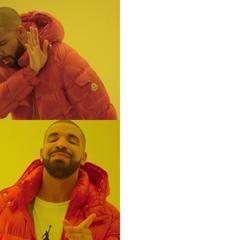 Drake
Drake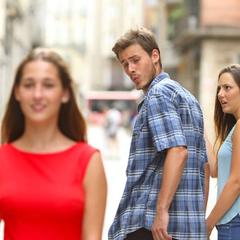 Distracted Boyfriend
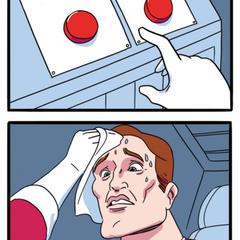 Two Buttons
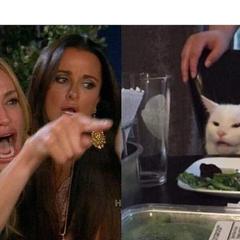 Woman Yelling at Cat
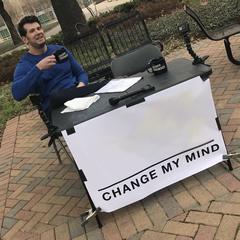 Change My Mind
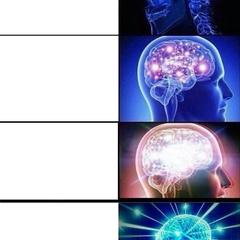 Expanding Brain
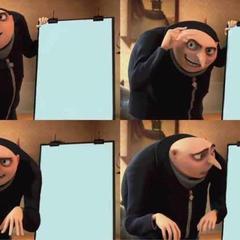 Gru’s Plan
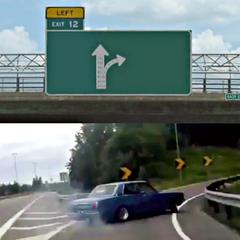 Left Exit 12 Off Ramp
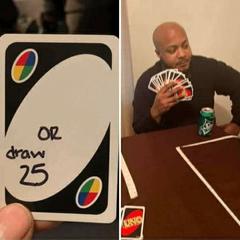 UNO Draw 25
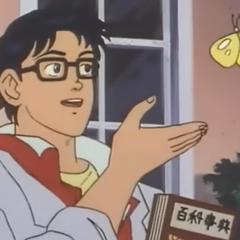 Is This a Pigeon?
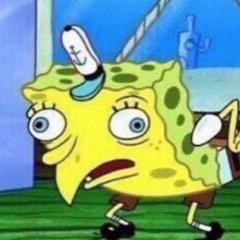 Mocking SpongeBob
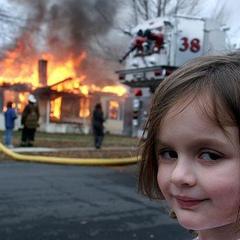 Disaster Girl
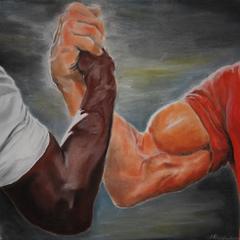 Epic Handshake
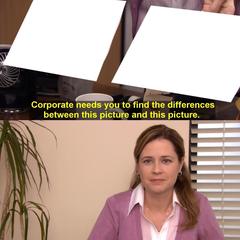 They’re the Same Picture
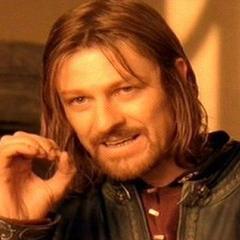 One Does Not Simply
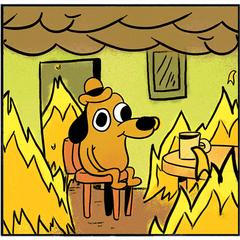 This Is Fine
 Always Has Been
 American Chopper Argument
 Stonks
 Hide the Pain Harold
 Success Kid
 Roll Safe
 Spider-Man Pointing
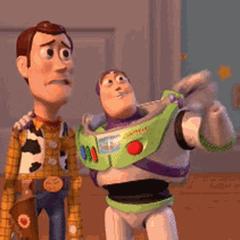 X, X Everywhere
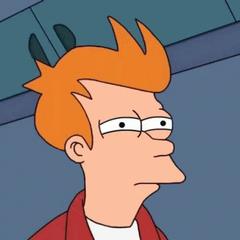 Futurama Fry
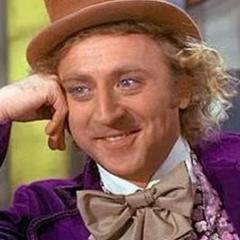 Condescending Wonka
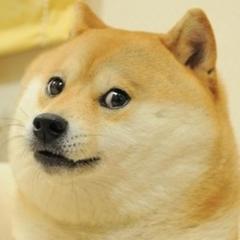 Doge
Doge Cheems
 Khaby Lame Shrug
 Kombucha Girl
 Scooby-Doo Reveal
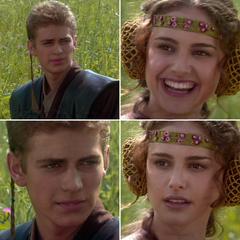 For the Better, Right?
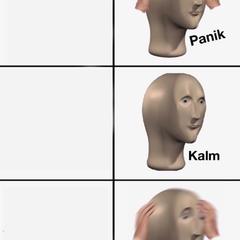 Panik Kalm Panik
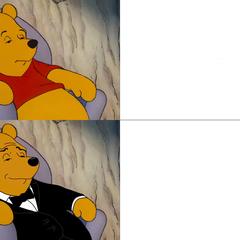 Tuxedo Winnie the Pooh
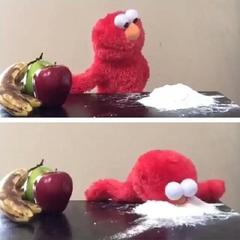 Elmo Choosing
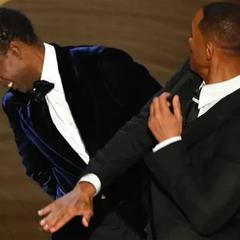 Will Smith Slap
 Woman Holding Dog’s Mouth
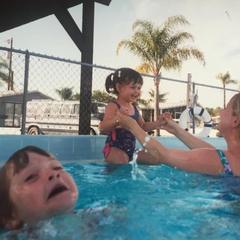 Mother Ignoring Kid Drowning
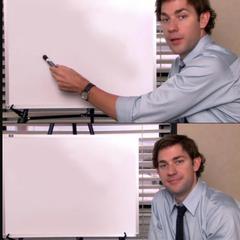 Jim Halpert Whiteboard
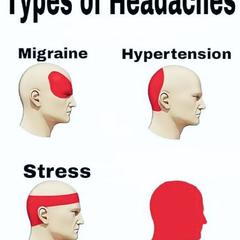 Types of Headaches
 You Guys Are Getting Paid?
 Midwit
 Grant Gustin Grave
 Peter Parker’s Glasses
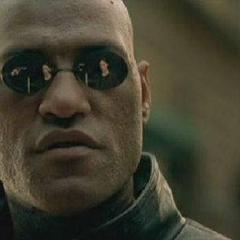 Matrix Morpheus
 The Most Interesting Man in the World
 Oprah You Get a Car
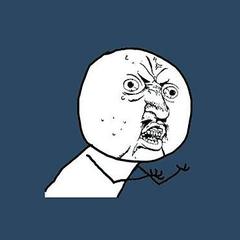 Y U No
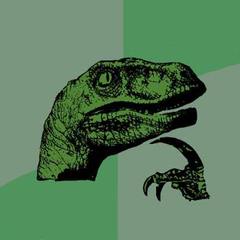 Philosoraptor
 Ancient Aliens
 But It’s Honest Work
 Why Not Both?
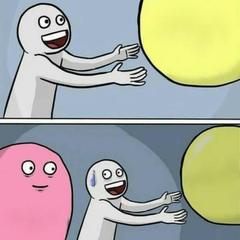 Running Away Balloon
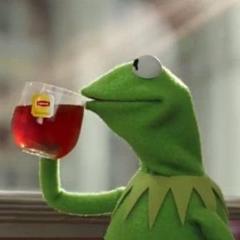 But That’s None of My Business
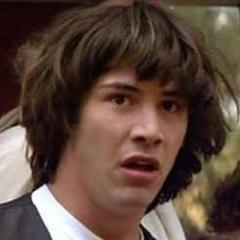 Conspiracy Keanu
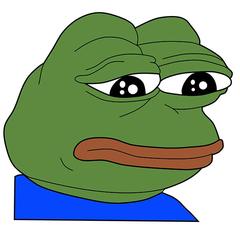 Feels Bad Man
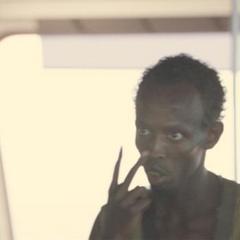 I Am the Captain Now
Own the rights to one of these images and want it removed? Write to [email protected] and we’ll take it down.
Tap a box on the picture to write. Drag to move it, or its corner to resize.
Animated GIFs stay animated, with your text on every frame. Added images go on still photos only.
How it works
- Pick your photos.A template, or a photo or GIF from your camera roll.
- We fix them on your phone.Tap a box on the picture and type. Next jumps to the next box.
- Save them back to Photos.Share it, or save it to your camera roll.
Templates with the boxes in the right place
Every template knows where its captions go. On Drake the text sits in the white column, not on his face. Distracted Boyfriend has a label for each of the three people, and Gru’s Plan has one for each flip chart. Each box tells you what goes in it, like “Thing you reject”, and that hint disappears as soon as you type.
Search by name or by what people call it: “hotline bling” finds Drake, “galaxy brain” finds Expanding Brain.
Made for one thumb
Tap a caption on the picture to write it. The picture stays in view above the keyboard, and Next jumps to the next box. Drag a box to move it, pull its corner to resize it, and it snaps to the centre. Add more text, delete what you don’t need, and undo any step.
The text shrinks to fit its box before it wraps onto more lines, and wrapped lines are balanced, so you never get one lonely word on the last line.
Three styles
Classic is the bold white text with a black outline. Caption above puts black text on a white band over the picture, the way memes look on X and Instagram. Label puts black text on a white box, easy to read on a busy photo.
Your own photos and GIFs
Use any photo, screenshot or animated GIF. GIFs stay animated, with your text on every frame. Pick several photos and they all get the same captions, handy for a series. You can also add a second image on top, like a sticker or a face, and move and resize it.
Your meme is saved without a watermark. On iPhone, Save puts it straight into Photos; Share sends it to WhatsApp, Instagram or Messages.
Questions
Which templates are there?
More than 50 of the most used formats, including Drake, Distracted Boyfriend, Woman Yelling at Cat, Two Buttons, UNO Draw 25, Change My Mind, Expanding Brain, Gru’s Plan, Left Exit 12, Is This a Pigeon, Mocking SpongeBob, Disaster Girl, Epic Handshake, They’re the Same Picture, One Does Not Simply and This Is Fine. Each one also has its own page, like the Drake meme generator.
What font does it use?
Anton, a free font in the style of Impact, the classic meme font. It comes with the page, so your meme looks the same on an iPhone, an Android phone and a computer. Caption above and Label use your device’s own clean bold font.
Can I make a GIF meme?
Yes. Pick an animated GIF and your captions go on every frame. It stays a GIF.
Is there a watermark?
No. Your meme is saved without any watermark or credit line.
Are my photos uploaded anywhere?
No. The templates are stored on this site, and your meme is made on your phone or computer, in the browser. Load the page, turn on airplane mode and try it: it still works.